How to Install Anaconda in Linux
A complete guide to installing the Anaconda distribution for Python and R on any Linux system.
Gaurav Bhardwaj

Anaconda is the best distribution for Python and R which is widely used by many data scientists, developers, and data engineers. In this article, we will learn how to install anaconda in Linux.
Lets begin with how to install anaconda in Linux.
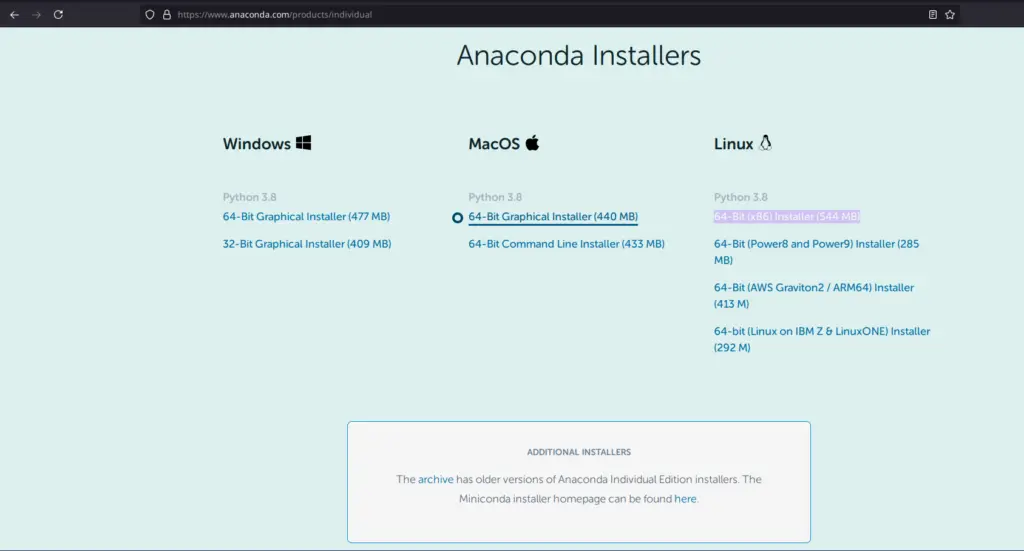
- Go to Anaconda official website using this Link & Download the installation files.
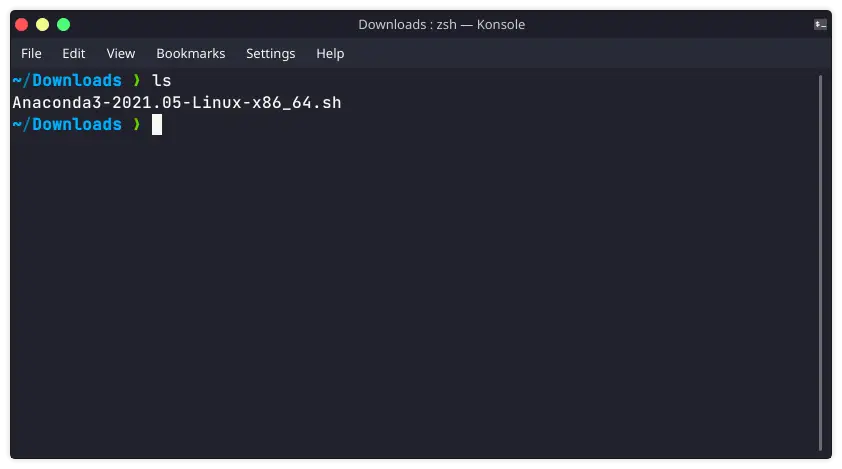
2. Execute the installer by running the below command:
sudo chmod 755 Package_Name
./Package_Name
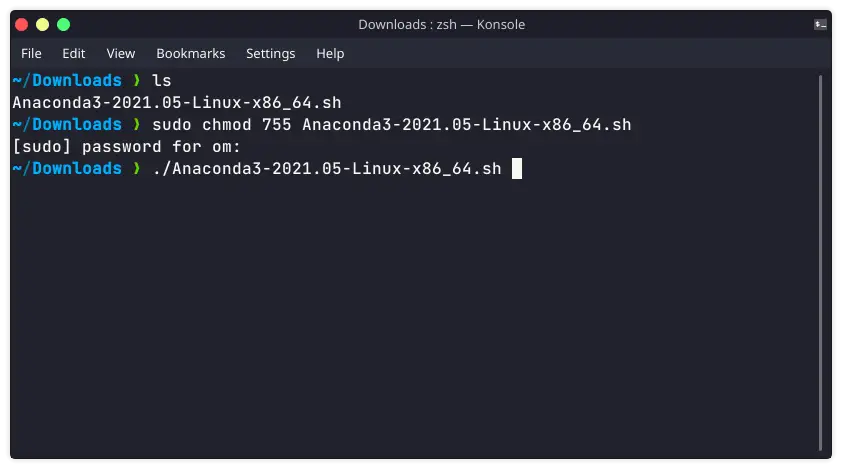
Then follow the instructions & choose the path of your choice, default is in your anaconda3 directory in Linux home directory.
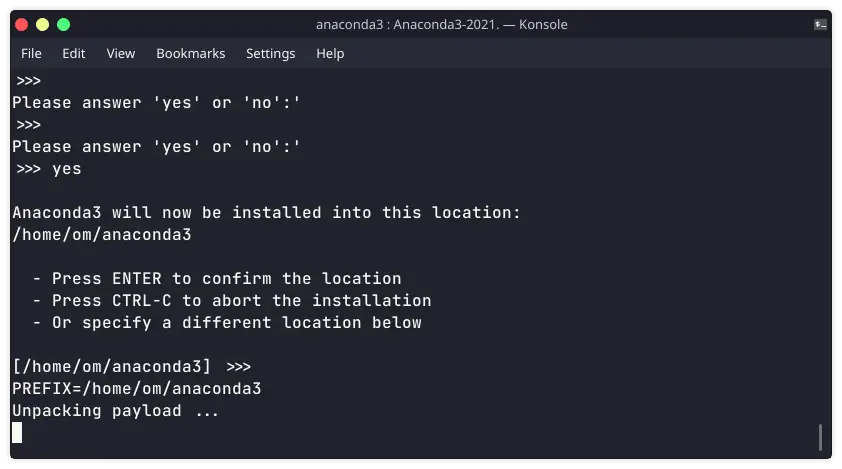
After choosing directory, it will take some time for installation.
Now it will ask for do you wish the installer to initialize Anaconda3, you can select according to your choice. If you selected no, then conda will not alter your shell scripts. In order to initialize after the installation process, you need to execute the below commands followed by a restart of the shell.
source your_installed_path_to_conda>/bin/activate
conda init
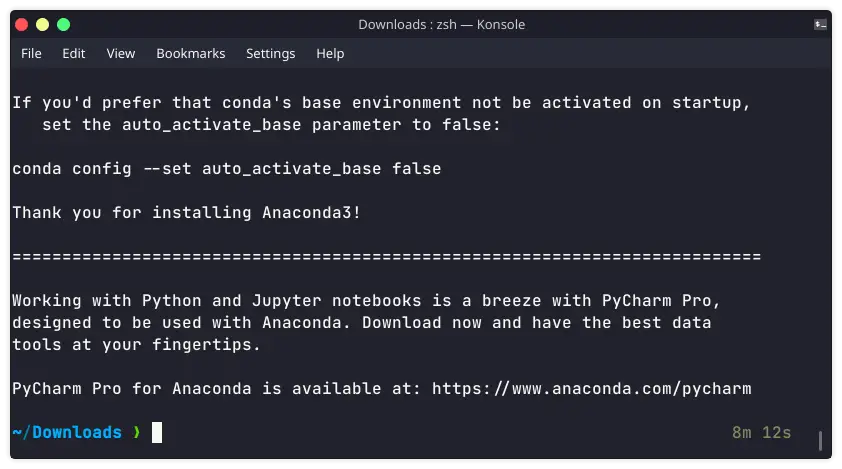
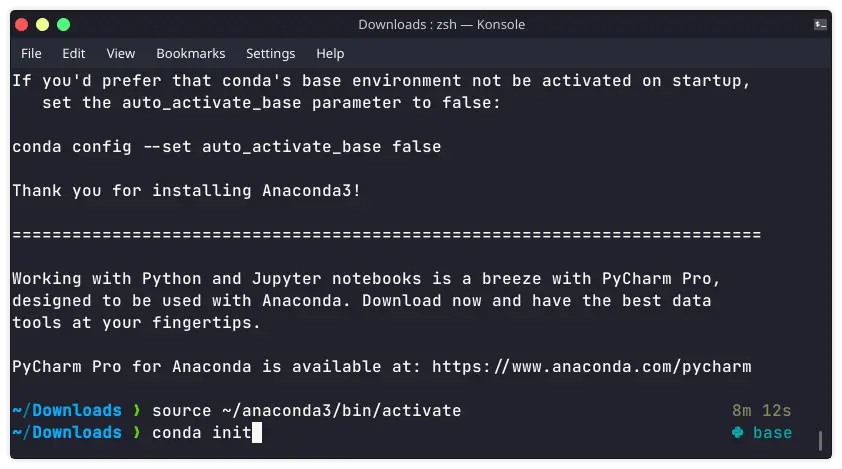
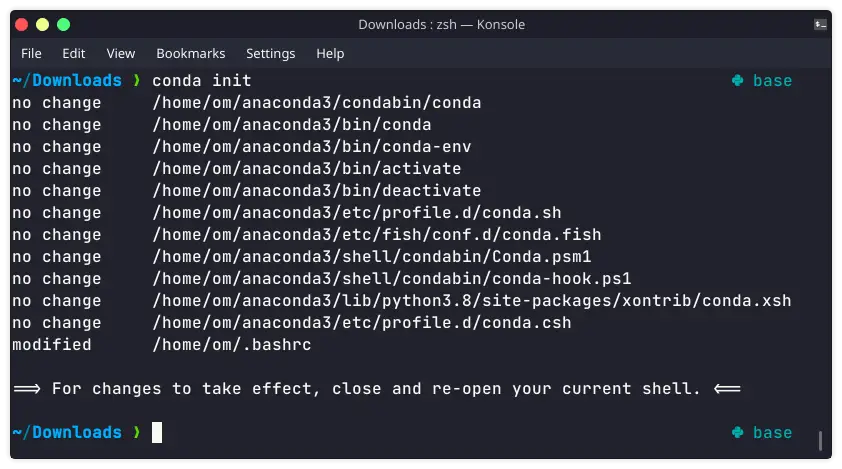
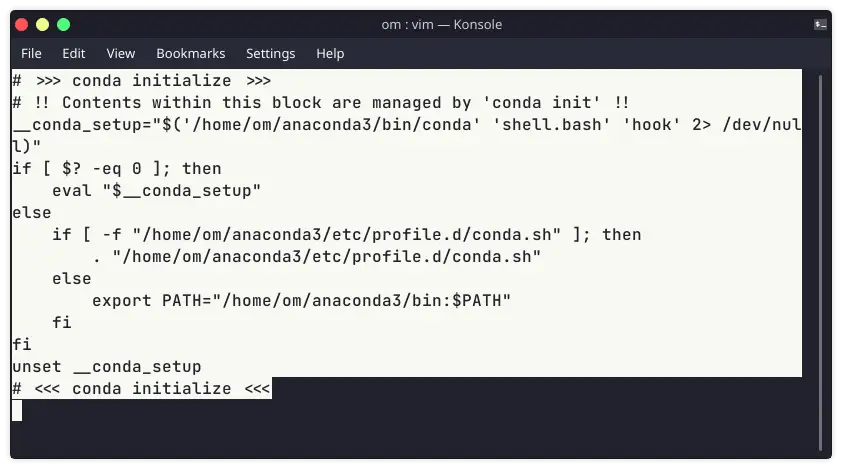
If you are using zsh or other shell, then you can copy the following command from .bashrc to .zshrc.
Note: Make sure to change USERNAME to your username
# >>> conda initialize >>>
# !! Contents within this block are managed by 'conda init' !!
__conda_setup="$('/home/USERNAME/anaconda3/bin/conda' 'shell.bash' 'hook' 2> /dev/null)"
if [ $? -eq 0 ]; then
eval "$__conda_setup"
else
if [ -f "/home/USERNAME/anaconda3/etc/profile.d/conda.sh" ]; then
. "/home/USERNAME/anaconda3/etc/profile.d/conda.sh"
else
export PATH="/home/USERNAME/anaconda3/bin:$PATH"
fi
fi
unset __conda_setup
# <<< conda initialize <<<
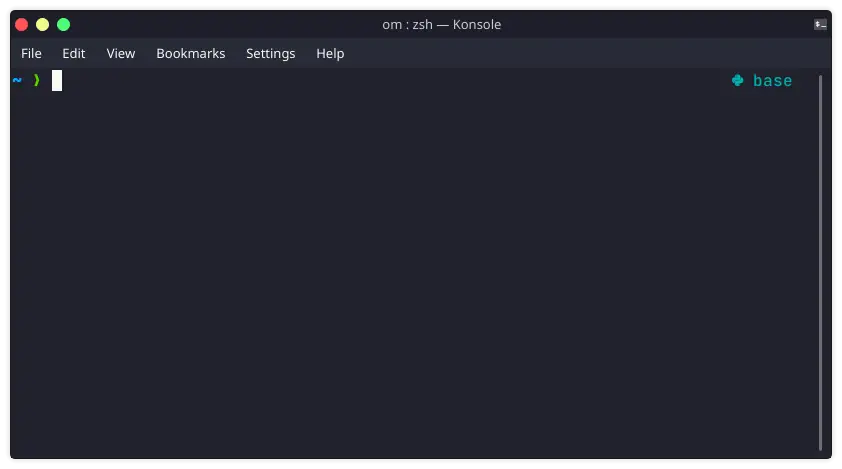
Then restart your terminal or execute the below command.
source .zshrc
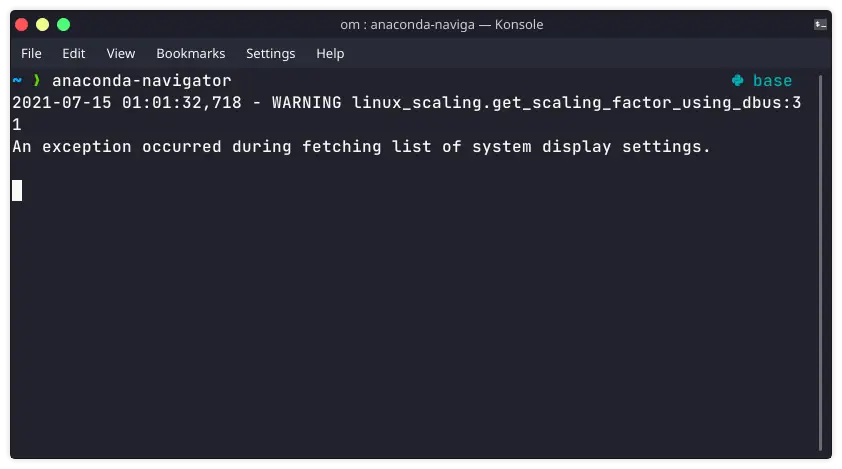
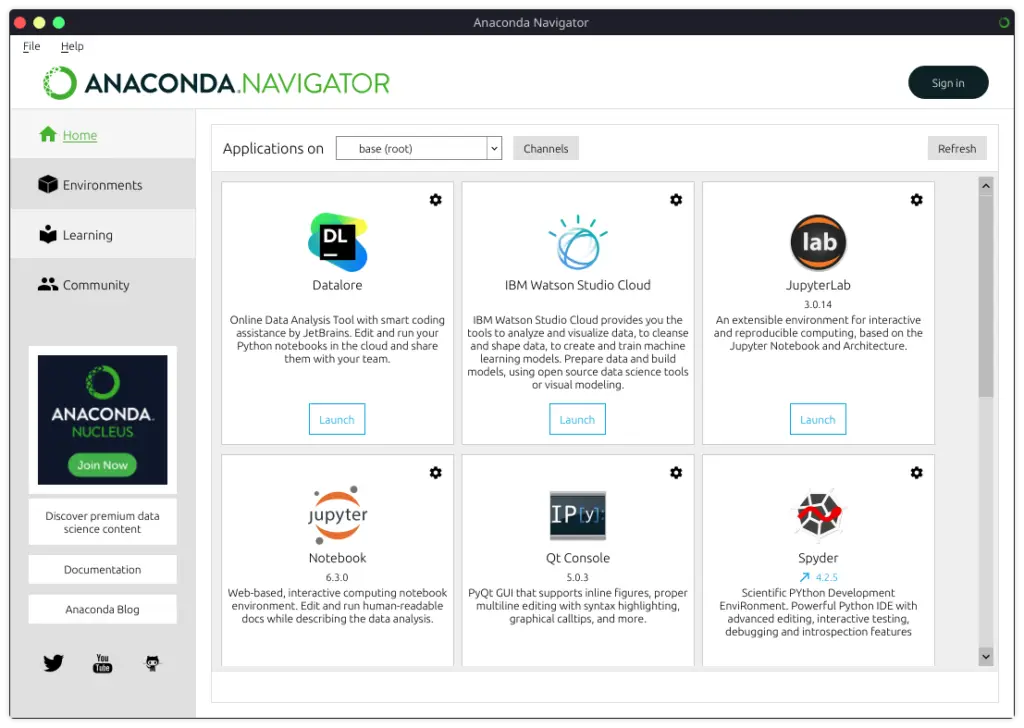
Now you can run anaconda-navigator to run the UI of anaconda.
If you are further looking at how to install tarballs in Linux you can refer to this article. If you have any trouble in installing or have any comments, please feel free to post in the comment section below.
Gaurav Bhardwaj
Bridging the gap between cutting-edge AI and foundational technology. As an Engineer and AI Architect, I translate complex concepts across Generative AI, Agentic systems, and Full-stack Engineering into clear, actionable insights—all anchored by deep expertise in Linux, SEO, and systems design.